NeatBatch — Batch Renamer for Windows
A downloadable tool
NeatBatch 1.0 - Offline Batch Renamer for Windows
Double-click Start-NeatBatch.cmd. Requires Windows 10/11 and Windows PowerShell 5.1.
No installation, internet connection, subscription or Python required.
On managed computers, your administrator may restrict PowerShell scripts.
1. Put the files you want to rename in a dedicated folder. Back up important files.
2. Browse to that folder. Subfolders are not included.
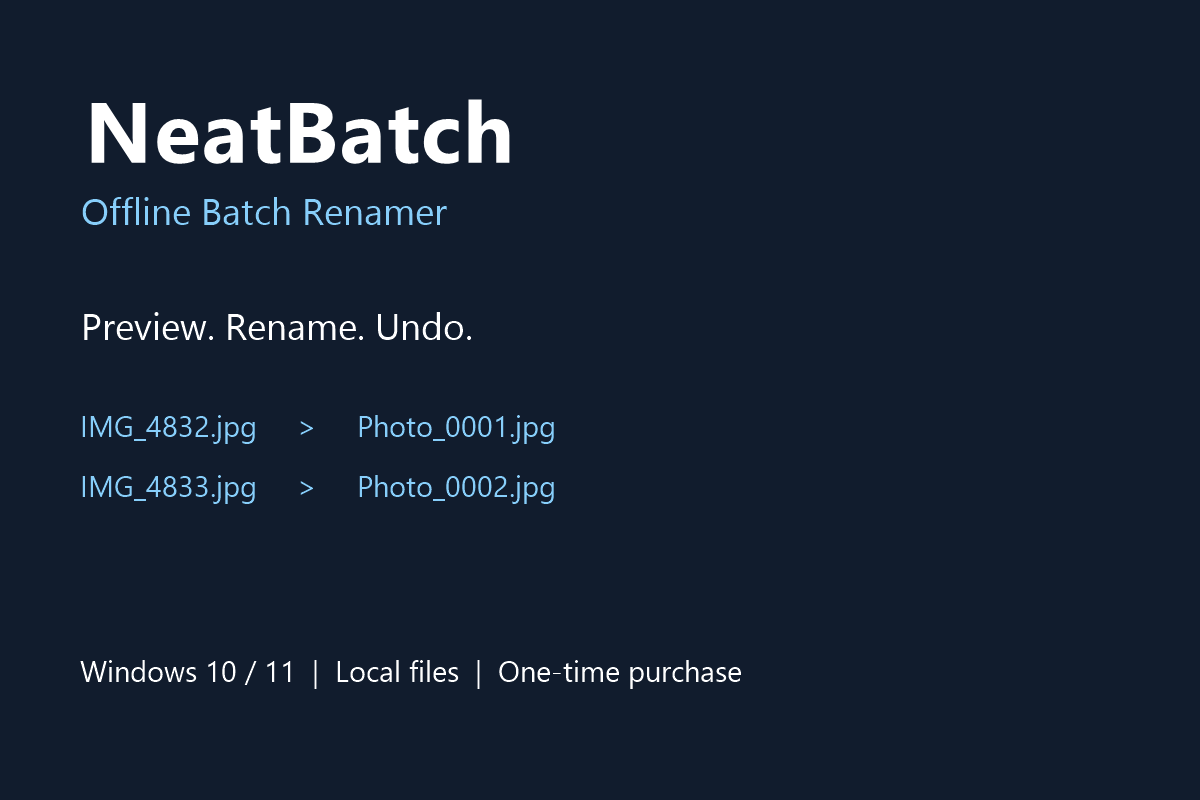
3. Set a prefix and a starting number: Photo_0001.jpg, Photo_0002.png, etc.
4. Click Preview and inspect all names. Files are sorted by current name.
5. Click Apply and confirm. Existing destination names are never overwritten.
6. Undo last batch restores the original names while recovery history is present.
A .neatbatch-history.json file is saved in the selected folder before renaming.
Keep it until you no longer need undo. To begin another batch after keeping the
new names, move that history file to a backup folder first.
Do not edit files, names or history between applying a batch and undoing it.
If a batch is interrupted, keep the history and use Undo after checking the folder.
Undo checks paths and conflicts before restoring names. Renaming and undo may
fail if files are open, read-only permissions apply, or other programs change them.
Version 1.0 includes prefix + sequence renaming, preserved extensions, preview,
collision protection and one-batch undo. No recursive processing, photo metadata
sorting, duplicate detection or automatic updates are included.
Privacy: all operations run on your computer. No telemetry or file uploads.
License: one purchaser may use and modify this tool on their own computers,
including for business work. Redistribution or resale is not permitted.
Copyright 2026 NeatBatch.
AI DISCLOSURE
Code and instructions were created with AI assistance. The tool runs locally without generative AI processing.
Purchase
In order to download this tool you must purchase it at or above the minimum price of $4.90 USD. You will get access to the following files:
Leave a comment
Log in with itch.io to leave a comment.